"Share this Info and Help a Friend"
NEW: AI Mobile and Desk Phone Service!
"AI Reception, AI Summary, Call Recording Transcription"
Answer Calls and Text on your Desk Phone / Computer / Mobile Phone / Tablet.
TIME = LIFE "TeQ I.Q. Increases your TIME"
TeQ I.Q. is for Customers who Embrace Change, Want Real Support With More Solutions to Increase Sales and Have More Time!
Call Robert at 619-255-4180 to Easily set you up!
TeQ I.Q. Computer Repair, TeQ I.Q. TV, TeQ I.Q. Mobile, TeQ I.Q. Internet, TeQ I.Q. Phone
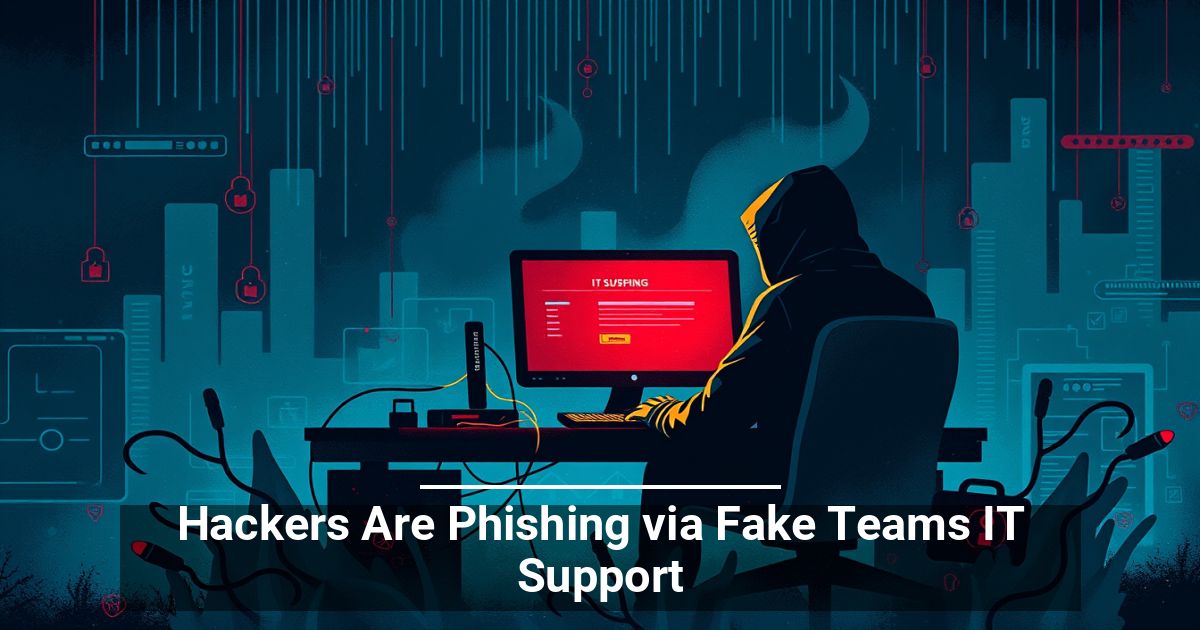
Hackers Are Acting as Fake IT:
YouTube Video "Hackers Are Acting as Fake IT"
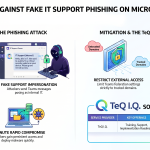
Can your employees tell a legitimate help desk message from a convincing scam? IT support phishing is becoming increasingly sophisticated, with attackers impersonating technical staff on Microsoft Teams to gain remote access to company computers. Learn more about it here.
How Microsoft Teams Phishing Attacks Exploit Employee Trust
On October 26, 2026, cybersecurity firm Arctic Wolf published findings from over 400 incidents involving external chat abuse on Microsoft Teams.
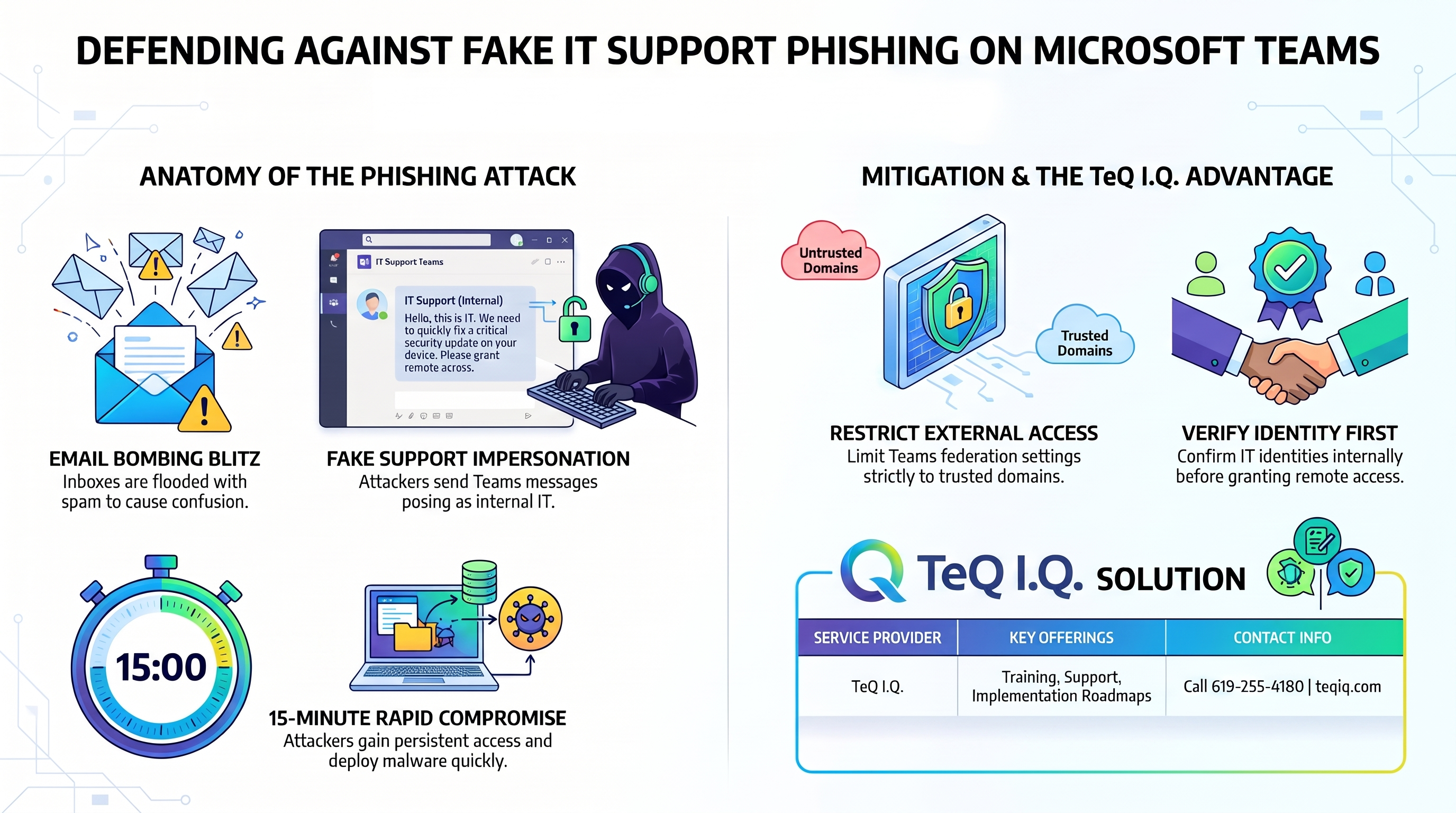
Threat actors use social engineering tactics that begin with email bombing. After flooding an employee's inbox with hundreds of unwanted messages, they reach out through Microsoft Teams using a convincing display name such as "IT Support (Internal)." Someone struggling with a sudden wave of spam might immediately accept seemingly legitimate assistance without a second thought.
What Happens After Hackers Gain Remote Access?
One of the attackers' most common initial access techniques is persuading employees to grant remote control of their computers. From there, they might explore connected systems or establish persistent access that survives the initial session.
This paves the way for credential theft and malware deployment. Stolen login details may help cybercriminals access sensitive business information, while malicious software can open the door to future ransomware attacks.
Arctic Wolf also found that some incidents progressed from initial victim interaction to malicious payload execution in under 15 minutes. This creates a remarkably short window for security teams to detect suspicious activity and intervene.
Is Your Microsoft Teams Vulnerable to IT Support Impersonation Tactics?
Microsoft Teams enables external access (also known as federation) by default, which allows users from different Microsoft 365 organizations to communicate when both parties permit it. While useful for business collaboration, this also creates opportunities for IT support phishing.
If you want to reduce your exposure, review the External access settings in the Teams admin center. Consider restricting communication to an approved list of trusted organizations rather than accepting messages from any external domain. You should also review permissions for unmanaged Teams accounts separately.
Staying Proactive Against Impersonation Scams
While restricting external access helps, it won't eliminate every impersonation attempt. Your employees should also know how to recognize IT support phishing and respond appropriately.
Think about adopting the following safeguards:
- Verify unexpected support requests: Does the person contacting you actually work for your IT department? Confirm their identity through an established internal channel before following instructions.
- Remain cautious with remote access: Never approve unsolicited Quick Assist sessions or share connection codes with unfamiliar contacts. Legitimate software isn't automatically safe in the wrong hands.
- Recognize suspicious patterns: An inbox suddenly flooded with spam, followed by a convenient offer of technical assistance, deserves immediate scrutiny.
- Monitor unusual activity: Watch for unauthorized remote management applications and unexpected connections. Security alerts may reveal intrusions before attackers gain deeper access.
Even with strong technical safeguards, employees need a clear way to report suspicious interactions without disrupting their work. Make sure everyone knows how to reach your actual IT team, especially when an unexpected support request demands immediate action.
Unless you have a highly capable in-house IT team, we recommend working with a provider that offers training, support, and an implementation roadmap like TeQ I.Q. has.
Ask How TeQ I.Q. can help You or Your Business. Call 619-255-4180 or Go To Web Site https://www.teqiq.com/
TeQ I.Q. is for Customers who Embrace Change, Want Real Support With More Solutions to Increase Sales and Have More Time!
If this tip helps and you would like to donate click on the button. Thanks In Advance.
________________________________________________________________________________________________________
"Fortune Favors, Who Value Time over Money!"
"TeQ I.Q. was the 1st IT Company to Deliver Cloud Solutions since 2003"
Tech issues taking up your Time?
"TeQ I.Q. Makes Your Technology Secure and Protected"
Do you have Tech Frustrations like your Computer, Internet, Phone, Cellphone, Camera, TV, Car?
"We Take Away Your Tech Frustrations and Give You the Free Time You Deserve!"
Call Robert to ask all your Technology questions.
For Free Consultation Call Now Robert Black at (619) 255-4180 or visit our website https://www.teqiq.com/
Chase Bank and Others Trust TeQ I.Q. with their IT and TeQnology so can you!