"Share this Info and Help a Friend"
NEW: AI Mobile and Desk Phone Service!
"AI Reception, AI Summary, Call Recording Transcription"
Answer Calls and Text on your Desk Phone / Computer / Mobile Phone / Tablet.
TIME = LIFE "TeQ I.Q. Increases your TIME"
TeQ I.Q. is for Customers who Embrace Change, Want Real Support With More Solutions to Increase Sales and Have More Time!
Call Robert at 619-255-4180 to Easily set you up!
TeQ I.Q. Computer Repair, TeQ I.Q. TV, TeQ I.Q. Mobile, TeQ I.Q. Internet, TeQ I.Q. Phone
Windows 11 Removes Login Bypass:
YouTube Video "Windows 11 Removes Login Bypass"
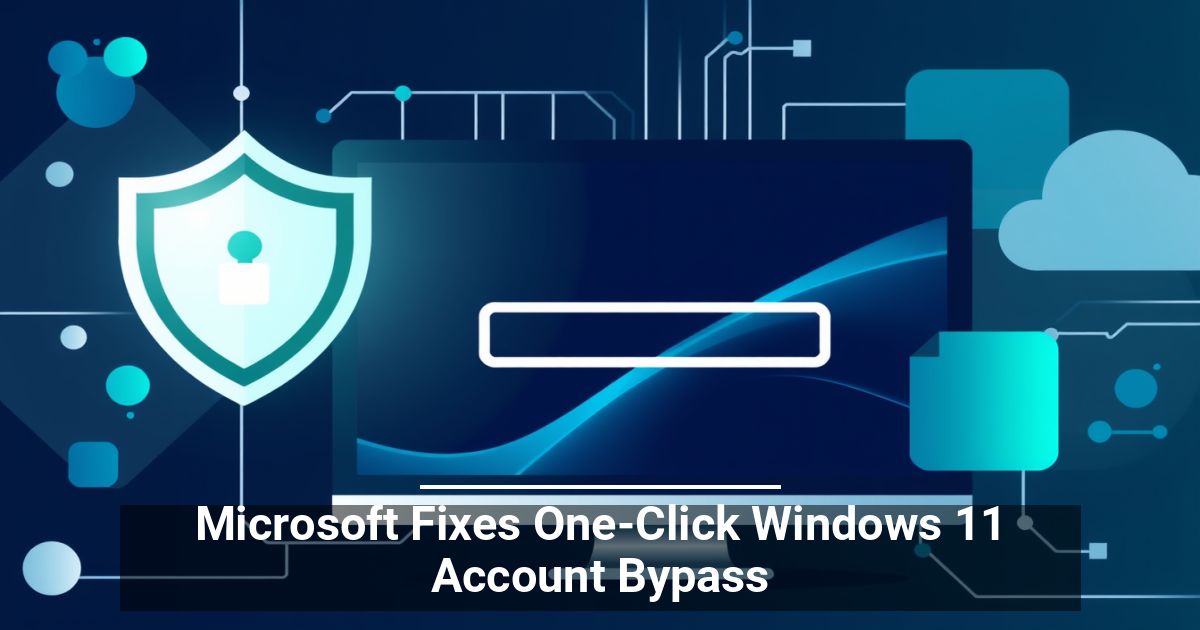
Do you prefer to set up your business computers without linking them to Microsoft accounts? If so, things are about to get more difficult, as the latest Windows 11 account bypass fix reinforces the company's push for mandatory online sign-ins. Find out what's changing here.
A Flaw in the OOBE Setup Process
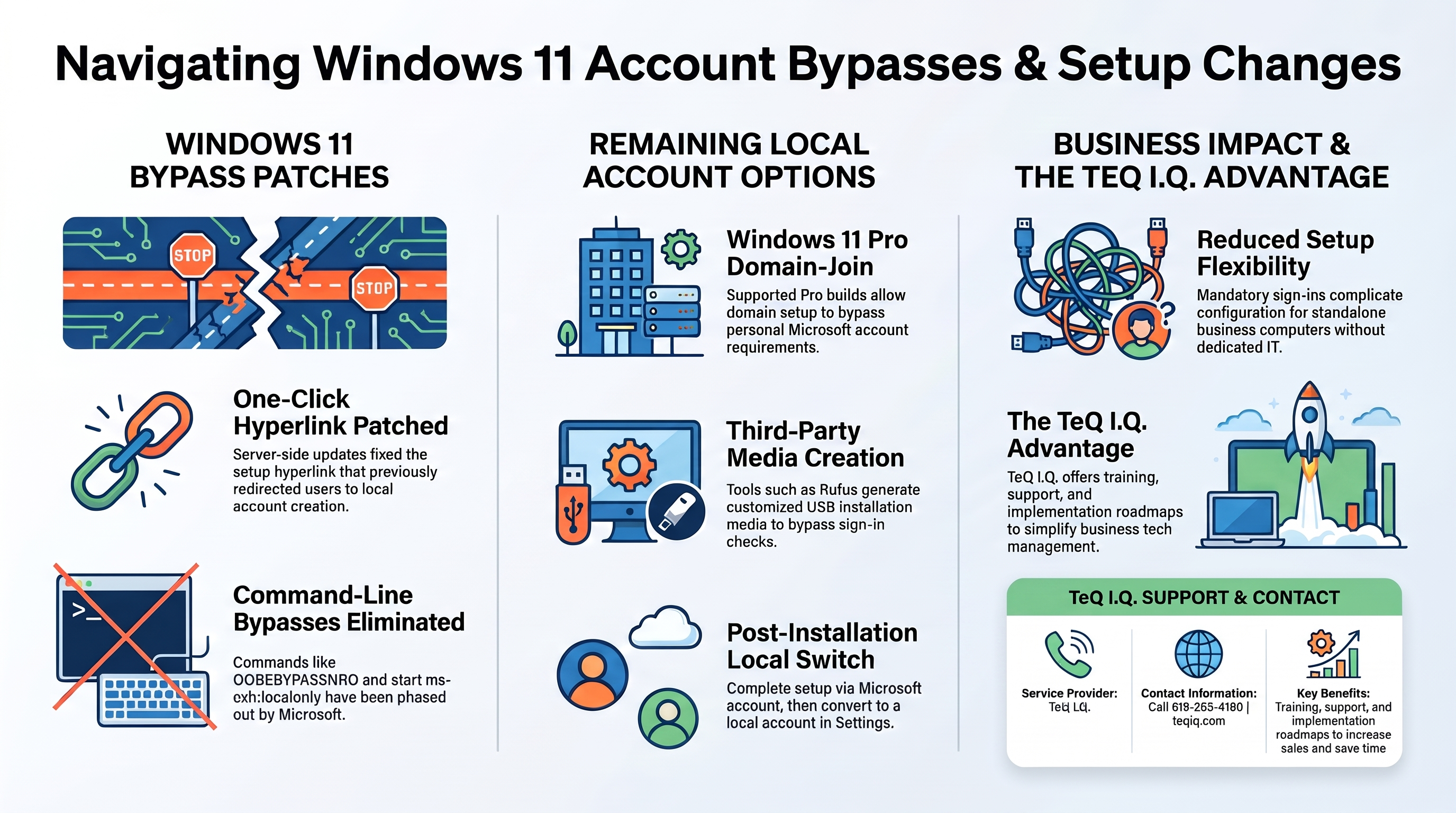
During the Windows 11 initial setup, also known as the Out-of-Box Experience (OOBE), users would normally encounter a screen requesting their Microsoft account credentials. However, clicking a small "Learn more" hyperlink unexpectedly redirected them to local account creation, with no complicated commands, registry modifications, or internet disconnection required.
This convenient workaround didn't last long. On October 9, Windows observer "Bob Pony" revealed that Microsoft had quietly patched the loophole through a server-side update.
The hyperlink now opens the intended data privacy information page instead of skipping the Microsoft account sign-in requirement. If you try to return to setup, you'll still face the Microsoft sign-in screen.
Microsoft Has Targeted These Workarounds Before
In October 2025, the company announced plans to eliminate known command-line bypass methods because they sometimes skipped critical configuration steps and left devices improperly configured.
Affected workarounds include:
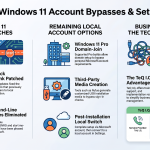
- OOBEBYPASSNRO: This popular workaround previously helped users skip the internet connection requirement and proceed with offline account setup.
- start ms-cxh:localonly: This command bypassed the Microsoft account sign-in when setting up certain versions of Windows 11.
Can You Still Install Windows 11 Without a Microsoft Account?
Some options remain for Windows 11 local account setup, but they generally require extra steps or specific Windows editions. Depending on your business setup, you may consider the following:
- Windows 11 Pro: Supported builds offer a domain-join setup option that lets you create a local account without a personal Microsoft account.
- Rufus: This free third-party utility prepares customized Windows installation USB drives that can bypass certain account requirements.
- Switching afterward: Complete installation with a Microsoft account, then navigate to Settings > Accounts > Your info and click the option to sign in with a local account instead.
Keep in mind that unofficial installation methods may stop working after future Windows 11 security updates. For company-managed devices, coordinate any changes with your IT administrator.
If you'd rather skip the hassle, consider switching to a Linux-based operating system that lets you create local accounts during installation. Just make sure your essential business applications are compatible before making the switch.
What Do Stricter Account Requirements Mean for Your Business?
The latest Windows 11 account bypass fix may also signal that local account creation will become increasingly restrictive going forward. While mandatory sign-ins simplify access to services such as OneDrive and Copilot, they also reduce flexibility. Companies that prefer local accounts for standalone computers or specific workplace requirements may find initial device configuration more restrictive.
Businesses with Microsoft Entra ID can use their existing work accounts to configure compatible devices, so they aren't necessarily stuck with personal Microsoft sign-ins. The experience may be less straightforward for smaller establishments without dedicated IT support.
Unless you have a highly capable in-house IT team, we recommend working with a provider that offers training, support, and an implementation roadmap like TeQ I.Q. has.
Ask How TeQ I.Q. can help You or Your Business. Call 619-255-4180 or Go To Web Site https://www.teqiq.com/
TeQ I.Q. is for Customers who Embrace Change, Want Real Support With More Solutions to Increase Sales and Have More Time!
If this tip helps and you would like to donate click on the button. Thanks In Advance.
________________________________________________________________________________________________________
"Fortune Favors, Who Value Time over Money!"
"TeQ I.Q. was the 1st IT Company to Deliver Cloud Solutions since 2003"
Tech issues taking up your Time?
"TeQ I.Q. Makes Your Technology Secure and Protected"
Do you have Tech Frustrations like your Computer, Internet, Phone, Cellphone, Camera, TV, Car?
"We Take Away Your Tech Frustrations and Give You the Free Time You Deserve!"
Call Robert to ask all your Technology questions.
For Free Consultation Call Now Robert Black at (619) 255-4180 or visit our website https://www.teqiq.com/
Chase Bank and Others Trust TeQ I.Q. with their IT and TeQnology so can you!