"Share this Info and Help a Friend"
NEW: AI Mobile and Desk Phone Service!
"AI Reception, AI Summary, Call Recording Transcription"
Answer Calls and Text on your Desk Phone / Computer / Mobile Phone / Tablet.
TIME = LIFE "TeQ I.Q. Increases your TIME"
TeQ I.Q. is for Customers who Embrace Change, Want Real Support With More Solutions to Increase Sales and Have More Time!
Call Robert at 619-255-4180 to Easily set you up!
TeQ I.Q. Computer Repair, TeQ I.Q. TV, TeQ I.Q. Mobile, TeQ I.Q. Internet, TeQ I.Q. Phone
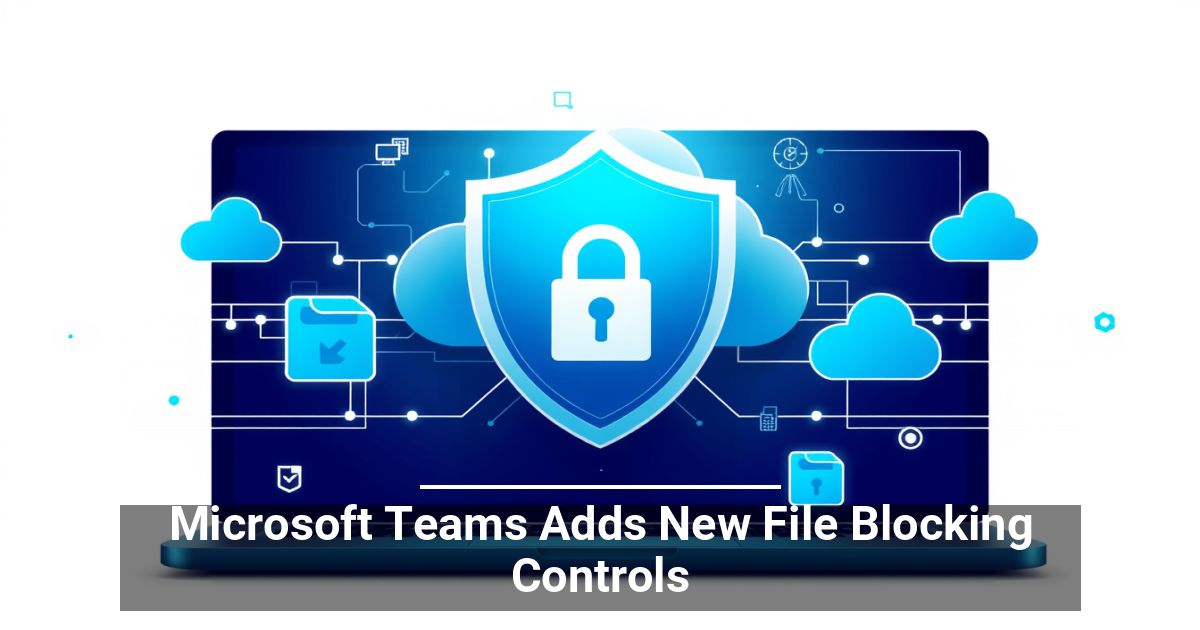
Teams Adds New Blocking Controls:
YouTube Video "Teams Adds New Blocking Controls"
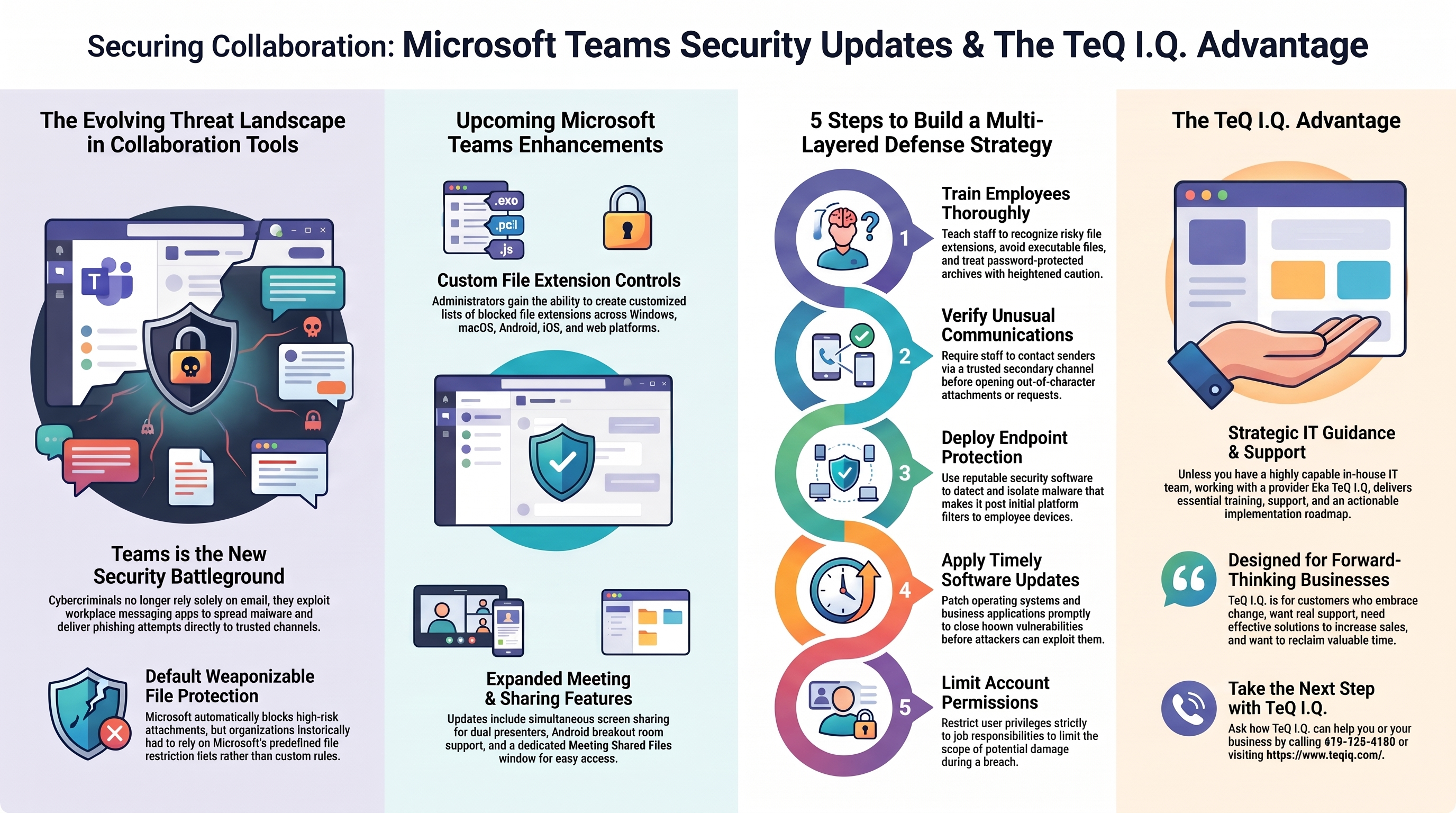
Could risky files slip through the collaboration tools your employees use every day? New Microsoft Teams file blocking controls will give administrators more flexibility and reduce exposure to potentially harmful content across the platform. Learn more about them here.
Teams Has Become Another Security Battleground
Cybercriminals no longer target only email inboxes. Workplace communication platforms like Microsoft Teams give attackers another way to spread malware, launch phishing attempts, and deliver other threats. Teams messages can also bypass traditional email security tools, making seemingly familiar files easier to trust.
Microsoft already addressed part of this risk by rolling out Weaponizable File Protection earlier in 2026. The feature automatically checks attachments and prevents users from sending potentially dangerous file types.
There is one limitation, though. Organizations currently rely on Microsoft's predefined protections rather than choosing their own blocked extensions, but that's about to change.
Tailor Teams Protection to Your Workplace
Microsoft plans to expand Weaponizable File Protection in November 2026 across Windows, macOS, Android, iOS, and web. Once the update arrives, Microsoft Teams administrators will be able to create lists of custom file extensions.
This flexibility lets you decide which formats make sense for your operations and which ones create needless exposure. If you don't have an issue with the existing setup, you still have the option to keep the default file type restrictions.
Beyond Expanded Teams Security Settings
Microsoft's roadmap points to several collaboration upgrades arriving around the same time. Two presenters will soon have the ability to share their screens simultaneously during meetings, while Android users are set to gain breakout room support. Microsoft is also introducing a Meeting Shared Files window that gives participants a dedicated place to access attachments associated with a specific meeting.
Build More Than One Line of Defense
Technical safeguards help, but businesses shouldn't depend on a single feature to stop every malware threat. Strong cybersecurity combines platform protections with smart workplace habits and broader defensive measures. To reduce the risks associated with malicious file attachments, consider the following steps:
- Train employees: Would your staff recognize a risky attachment? Teach them to check file extensions, avoid executable formats, and treat password-protected archives with extra caution.
- Verify unusual messages: When a request sounds unlike the person who supposedly sent it, contact them through a trusted channel before anyone opens the attachment.
- Protect endpoints: Reputable security tools help detect and stop malware that reaches sensitive employee devices.
- Update software: Don't give known vulnerabilities extra time to cause trouble. Apply security patches promptly across company devices and applications.
- Limit permissions: Match account privileges to job responsibilities to reduce how much an attacker can do after a compromise.
Make Safer Collaboration the Goal
The upcoming Microsoft Teams file blocking controls will add another useful safeguard, but thoughtful configuration will determine how much value your company gets from them. Take a fresh look at how your employees use collaboration platforms as well.
Unless you have a highly capable in-house IT team, we recommend working with a provider that offers training, support, and an implementation roadmap like TeQ I.Q. has.
Ask How TeQ I.Q. can help You or Your Business. Call 619-255-4180 or Go To Web Site https://www.teqiq.com/
TeQ I.Q. is for Customers who Embrace Change, Want Real Support With More Solutions to Increase Sales and Have More Time!
If this tip helps and you would like to donate click on the button. Thanks In Advance.
________________________________________________________________________________________________________
"Fortune Favors, Who Value Time over Money!"
"TeQ I.Q. was the 1st IT Company to Deliver Cloud Solutions since 2003"
Tech issues taking up your Time?
"TeQ I.Q. Makes Your Technology Secure and Protected"
Do you have Tech Frustrations like your Computer, Internet, Phone, Cellphone, Camera, TV, Car?
"We Take Away Your Tech Frustrations and Give You the Free Time You Deserve!"
Call Robert to ask all your Technology questions.
For Free Consultation Call Now Robert Black at (619) 255-4180 or visit our website https://www.teqiq.com/
Chase Bank and Others Trust TeQ I.Q. with their IT and TeQnology so can you!